
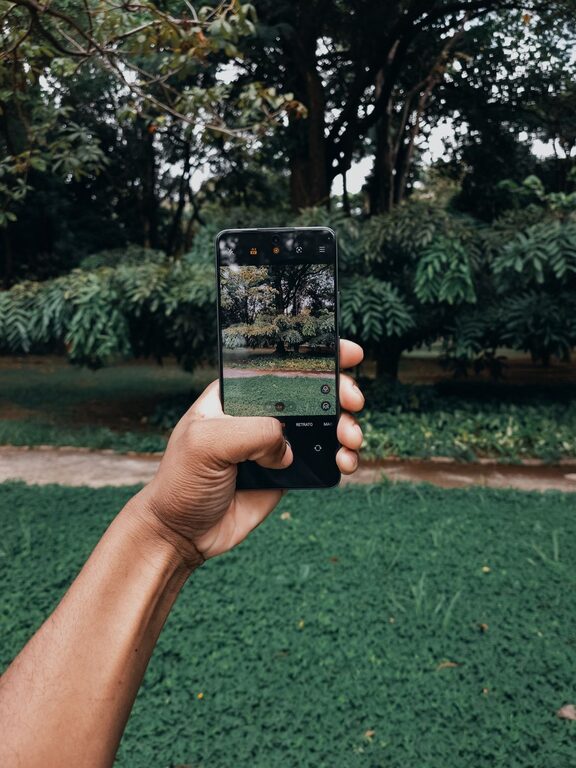
Taking great photos with your phone is easier than you might think. With the right approach and a few simple techniques, you can dramatically improve your phone photography skills and capture memorable images. Whether you’re new to photography or just want to get more from your smartphone camera, these beginner tips will help you take better photos.
Understand Your Phone Camera Basics
Before diving into advanced tips, it’s important to understand your phone’s camera features.
– Explore the Camera App: Spend some time opening your phone’s camera app and checking out the different modes, settings, and features available, such as HDR, portrait mode, and night mode.
– Know Your Camera Specs: Learn about your phone’s camera resolution, lens type, and additional lenses if your phone has multiple cameras. This helps you understand what your phone can do best.
Clean Your Lens Regularly
A clean lens makes a big difference in the clarity of your photos. Phone lenses easily get smudged with fingerprints, dust, and dirt.
– Use a soft, lint-free cloth to gently wipe the lens before taking photos.
– Avoid using harsh cleaning agents that could damage the lens coating.
Use Natural Light Whenever Possible
Lighting is one of the most important factors in photography.
– Avoid Flash: Phone flashes can often be harsh and create unnatural lighting. Instead, try to use natural light.
– Shoot in Bright Light: Outdoor daylight or well-lit areas produce the best results.
– Golden Hour Magic: The hour just after sunrise and before sunset provides soft, warm light that makes your photos more appealing.
Hold Your Phone Steady
Blurred photos are often caused by camera shake.
– Hold your phone with both hands to stabilize it.
– If possible, rest your elbows on a stable surface or use a tripod designed for smartphones.
– Use the volume button or a wireless remote shutter to take the photo instead of tapping the screen.
Focus on Composition
Good composition guides the viewer’s eye and makes a photo more interesting.
Rule of Thirds
– Imagine your screen divided into a 3×3 grid.
– Position the subject along these lines or at their intersections for a balanced shot.
Leading Lines
– Use natural lines like roads, fences, or rivers to lead the viewer’s eyes toward your subject.
Framing
– Look for natural frames like windows, archways, or branches to surround your subject and add depth.
Avoid Digital Zoom
Digital zoom reduces photo quality by cropping and enlarging the image.
– Instead of zooming in, try to physically move closer to your subject.
– Alternatively, crop the photo later using editing tools to maintain better resolution.
Experiment with Focus and Exposure
Tap on your phone screen to set focus on your subject. Most phones also let you adjust exposure (brightness):
– After tapping to focus, adjust the slider to brighten or darken the image as needed.
– This helps ensure your subject is well-lit and sharp.
Use Editing Apps to Enhance Photos
Editing can improve colors, sharpness, and overall look.
– Try simple, user-friendly apps like Snapseed, VSCO, or Lightroom Mobile.
– Basic edits include cropping, adjusting brightness and contrast, and correcting colors.
– Avoid over-editing to keep photos natural.
Practice Regularly and Analyze Your Photos
The more you practice, the better your photos will become.
– Take photos in different lighting and environments to see what works best.
– Review your pictures critically to learn what you like and what could improve.
– Don’t be afraid to try new angles or subjects.
Back Up Your Photos
Make sure to back up your photos regularly to avoid losing them.
– Use cloud services like Google Photos, iCloud, or Dropbox.
– This also makes it easier to access your photos from other devices.
Bonus Tip: Explore Phone Photography Tutorials and Communities
Many online tutorials and social media groups focus on phone photography.
– Join these communities to get feedback, inspiration, and ideas.
– Watching tutorials can introduce you to new techniques and creative possibilities.
—
By understanding your phone’s camera, paying attention to light and composition, and practicing regularly, you’ll see a noticeable improvement in your photos. With just a few simple changes, your smartphone photos can become vibrant, clear, and professional-looking. Happy shooting!
About the Author